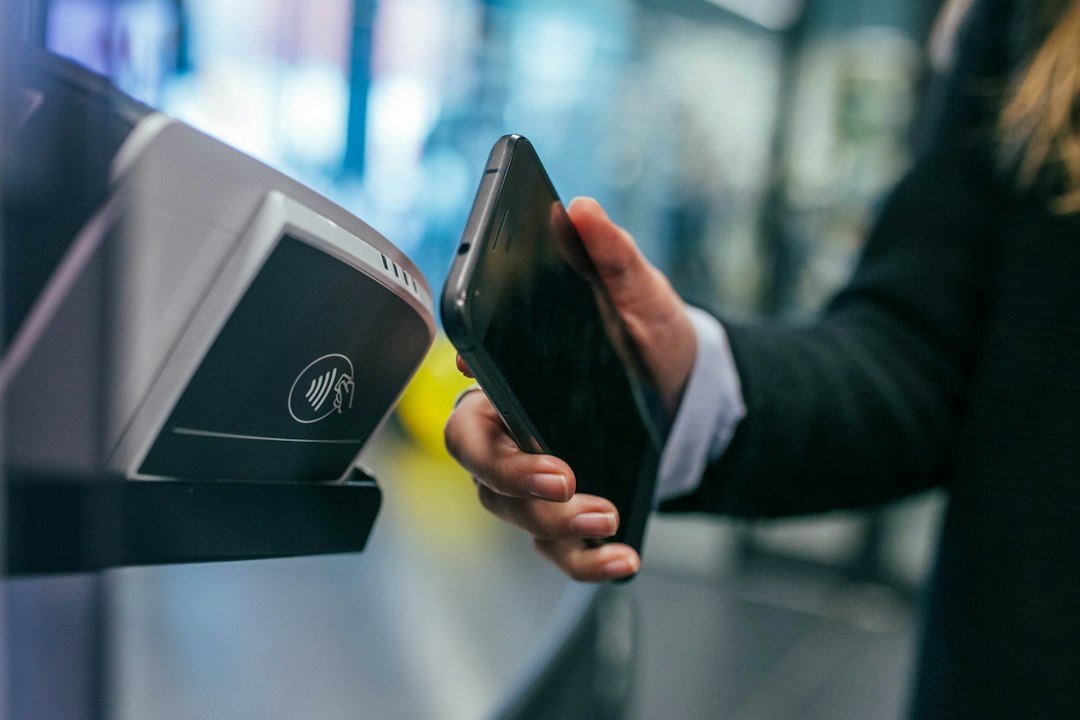
UPI Lite was designed to make small everyday digital payments simpler, while regular UPI remains useful for a much wider range of transfers. The difference is not just whether you enter a PIN. It involves where the spending balance is held, how small payments are processed and what you should check before enabling the feature.



UPI Lite availability, limits and app design can change over time. Always rely on your bank or UPI app’s current terms for numerical limits rather than an old screenshot or a social-media post.
How regular UPI payments usually work
With a typical regular UPI transaction, your chosen linked bank account is the funding source and the app uses the prescribed authentication process for the transaction. You may send money to a person’s UPI ID, pay a merchant through a QR code or initiate other supported transfer types.
The transaction is normally reflected through your bank and UPI app records. Transaction limits can depend on the bank, use case and current NPCI/RBI rules, so there is no single maximum applicable to every payment category or app.
What UPI Lite adds
UPI Lite is a small-value payment facility associated with the supported UPI app and bank. A user typically enables the feature and adds a limited amount for eligible quick payments. Depending on the implementation, qualifying transactions can be completed without entering a UPI PIN each time.
The important boundary is that UPI Lite is intended for eligible low-value payments rather than all the transfers regular UPI can handle. The NPCI’s UPI Lite booklet describes the product’s purpose and workflow. Because published booklets can contain older limits, check current values in your own app.
Balance management and top-ups
Before using Lite, check which bank account supplies the initial balance and how the app displays remaining funds. Keep enough money in your main bank account for scheduled debits. Loading money into a small-payment facility is not the same as adding savings or earning interest on it.
Also read the disable and refund process. If you stop using an app or change devices, understand how any remaining Lite balance is returned or restored under that implementation. Take a screenshot of the final transaction details without exposing security credentials.
When regular UPI may be more appropriate
Use the normal UPI flow when a transaction is not eligible for Lite, when you need functionality unavailable in Lite or when the app specifically requests the standard authentication method. You should never try to split a larger payment into smaller pieces merely to bypass security controls or scheme limits.
For transactions involving unfamiliar beneficiaries, pause and verify the name, UPI ID and amount. Choosing Lite does not make a recipient trustworthy. Our UPI collect request scam guide covers one common trap.
Security differences to understand
The convenience of fewer PIN prompts makes device security important. Use a strong screen lock, keep the payment app updated and do not leave an unlocked handset with strangers. Enable transaction notifications and check the Lite history regularly.
If somebody contacts you claiming a refund requires an OTP, UPI PIN or screen-sharing permission, treat it as suspicious. A payment feature’s legitimate setup should be completed within a trusted app, not through an unknown helper on a messaging service.
Bank statements and recordkeeping
The statement experience may differ for Lite transactions compared with conventional UPI transfers. App history and balance movements are therefore important when reconciling frequent small purchases. Save receipt details for any payment where a merchant claims not to have received funds.
Where the payment fails or shows inconsistent status, use the app’s own complaint flow. NPCI’s official UPI FAQs explain basic transaction and grievance pathways.
Who benefits from UPI Lite?
Someone making frequent, eligible small-value purchases may value quicker checkout and a less cluttered experience. A person who mainly sends larger bank transfers or who rarely uses UPI may have little reason to enable an extra balance feature. Convenience should be weighed against the need to understand another set of transaction records.
Check supported banks, app availability, current limits and offboarding rules before using the facility. Do not assume two different UPI apps implement every feature identically.
Quick setup checklist
- Update and verify the official UPI app.
- Read current Lite limits and supported use cases.
- Confirm the linked bank account before adding funds.
- Protect the phone with a screen lock.
- Review transaction history and remaining balance regularly.
- Know how to disable Lite and handle a disputed payment.
Frequently asked questions
Is UPI Lite meant for every UPI transfer?
No. It focuses on eligible small-value payments; regular UPI offers broader capabilities.
Does UPI Lite remove the need for device security?
No. Because some eligible payments need fewer steps, device access controls are especially important.
Where do I find the latest Lite limit?
Use the current terms shown by your participating bank or authorised UPI app.
Bottom line
UPI Lite is a convenience feature for suitable small payments, not a replacement for regular UPI. Understand the balance, eligibility and security before deciding whether it fits your habits.